Manual Mode may seem intimidating, but it actually gives you control. In this blog, learn how and get tips to instantly improve your photography.
Shooting in Manual Mode (M): Full Control Over Your Camera
“Why do you often shoot in Manual Mode?”
I get this question a lot – and I understand why. For many people, the Manual Mode (M) sounds complicated, as if you need to know everything, otherwise you’ll only end up with black or overexposed photos. But in reality, Manual Mode actually gives you the most freedom and control over your images.
In this blog, I’ll walk you through how Manual Mode works, why I use it so often, and how you can get started with it. No dry theory, but practical tips you can apply straight away – whether you’re shooting macros, portraits, or landscapes.
What is Manual Mode exactly?
Your camera has several modes: P (Program), Av (Aperture Priority), Tv (Shutter Priority), and M (Manual). In Manual Mode you set everything yourself: aperture, shutter speed, and ISO. That means the camera doesn’t make any exposure choices for you.
That might sound intimidating, but it’s actually ideal. You hold the creative control in your own hands: from how sharp or blurred the background looks, to how motion is captured in the frame.
The Three Pillars: Shutter Speed, Aperture, and ISO
1. Shutter Speed
Shutter speed determines how long the sensor captures light. Short = less light, but frozen motion. Long = more light, but the risk of motion blur.
Fast shutter speed (e.g. 1/1000s) → ideal for moving animals or kids playing.
Slow shutter speed (e.g. 1/15s) → great for flowing water or creative effects.
2. Aperture
The aperture controls how much light enters through your lens and how much depth of field you have.
Wide aperture, small f-number (f/2.8) → lots of light and a soft, blurred background.
Narrow aperture, large f-number (f/16) → less light, but more of the photo in focus.
Example: With my RF100mm f/2.8L Macro I often use f/4 to f/5.6 to get just a little more depth of field with flowers or insects, while still keeping that soft background.
3. ISO
ISO defines how sensitive your sensor is to light.
Low ISO (100–400) → less noise, perfect in good light.
High ISO (3200 or higher) → useful in low light, but produces more noise.
With a full-frame camera you can push ISO a bit higher without too much issue. Noise reduction in Lightroom or Photoshop is a good way to clean up any remaining noise.
Why shoot in Manual Mode?
Manual Mode gives me the freedom to make conscious choices. No surprises from the camera, but full control over the balance myself. That’s crucial when shooting:
Macro – where even a millimeter of focus difference changes everything.
Portraits – where I like to play with bokeh and background blur.
Landscapes – where I want both the foreground and horizon in focus.
Most cameras show a light meter at the bottom of your viewfinder or screen. At 0? That means the exposure is technically correct. At -2 or +2, your photo will be under- or overexposed. A very useful tool!
2. Set a Base ISO
Start with ISO 100 or 200 in good light. Only increase ISO if you’re running out of options.
3. Know Your Lens
I often use my RF70-200mm f/2.8L at f/2.8 – perfect for portraits with beautiful bokeh. For group shots, though, I prefer f/5.6 so that everyone stays in focus.
4. Work with Stops
Each doubling or halving of light (stop) can be compensated with another setting. For example: shorten shutter speed, then open the aperture wider or raise ISO.
5. Use Histogram and Zebras
The Canon R5 has helpful tools: a histogram and zebras (overexposure warnings). They let you check exposure before pressing the shutter.
6. Use Bracketing
Not sure about the right exposure? Take three shots: one underexposed, one correct, one overexposed. Later you can pick the best or merge them. In my other blog Focus Stacking I also explain what bracketing is.
7. Start Simple
For macro, for example: ISO 200, f/5.6, and 1/200s. Check the exposure and only adjust what’s needed.
8. Keep Practicing with the Same Scene
Choose one subject (for example, a flower) and vary only one setting at a time: first aperture, then shutter speed, then ISO. That way you quickly learn the balance.
To make it easier, you can set ISO to Auto so the camera adjusts it automatically. Manual Mode with Auto-ISO gives you control over shutter speed and aperture while the camera handles ISO. Perfect for changing light, like in a forest.
Common Mistakes (and How to Avoid Them)
Shutter speed too long without a tripod → use the rule of thumb: shutter speed should be at least 1/focal length (so at 200mm → 1/200s or faster).
Forgetting ISO also affects results → too high = noise, too low = motion blur. Find the right balance.
Shooting everything at f/22 → gives lots of depth of field, but diffraction can make your image look less sharp.
Pick a still subject (e.g. a flower or object on a table).
Switch your camera to Manual Mode.
Start with ISO 100, f/4, 1/250s.
Change one setting at a time: first aperture, then shutter speed, then ISO.
Observe how the image changes – this helps you understand the balance.
Finally: Why I Won’t Let Go of Manual Mode
Shooting in Manual Mode takes a bit of practice at first, but it gives you full creative control. You decide how your photo looks, instead of the camera. For me, it’s the way to develop my own style and capture the image exactly as I imagine it.
My advice: Don’t be afraid to experiment with settings, make mistakes, and learn from them. Soon Manual Mode will feel just as natural as the automatic modes.
Most cameras have customizable buttons – assign shutter speed and aperture to them, and you’ll be able to adjust settings quickly and easily.
Do you have questions about shooting in Manual Mode or want to know how I set up my Canon R5 for macro or portraits? Feel free to ask – I’m happy to share my experience!
Comments
0 comments
Share what stood out to you, what you learned, or what you would try yourself.
Get inspired by my latest blog posts about photography, macro, nature, techniques and more. Discover the stories behind the images, practical tips to improve your own photos, and personal experiences from the field.
11May
Blog
Working Smart in Lightroom Classic
17 min reading time
A great photo doesn’t just start behind the camera—it also starts with a smart workflow. In this article, I’ll show you step by step how I import, organize, edit, and export my photos in Lightroom Classic. With practical tips, useful settings, and an efficient workflow, you’ll save time and get even more out of every photoshoot.
05,0
17Jan
Blog
Portrait / Studio Photography
8 min reading time
How do you create a professional portrait with just one light source? I’ll show you step by step how I approach this studio shoot
25,0
24Oct
Blog
Color and Light: Playing with Atmosphere
6 min reading time
Let light and color tell your story. Discover how to create atmosphere in every photo — from forest light to soft autumn tones.
04,8
05Oct
Blog
Mastering Sharpness and Focus
4 min reading time
Sharpness starts with control. Discover how to truly master focus and capture images that are razor-sharp down to the finest detail.
05,0
01Sep
Blog
The Power of Manual Mode
5 min reading time
Manual Mode may seem intimidating, but it actually gives you control. In this blog, learn how and get tips to instantly improve your photography.


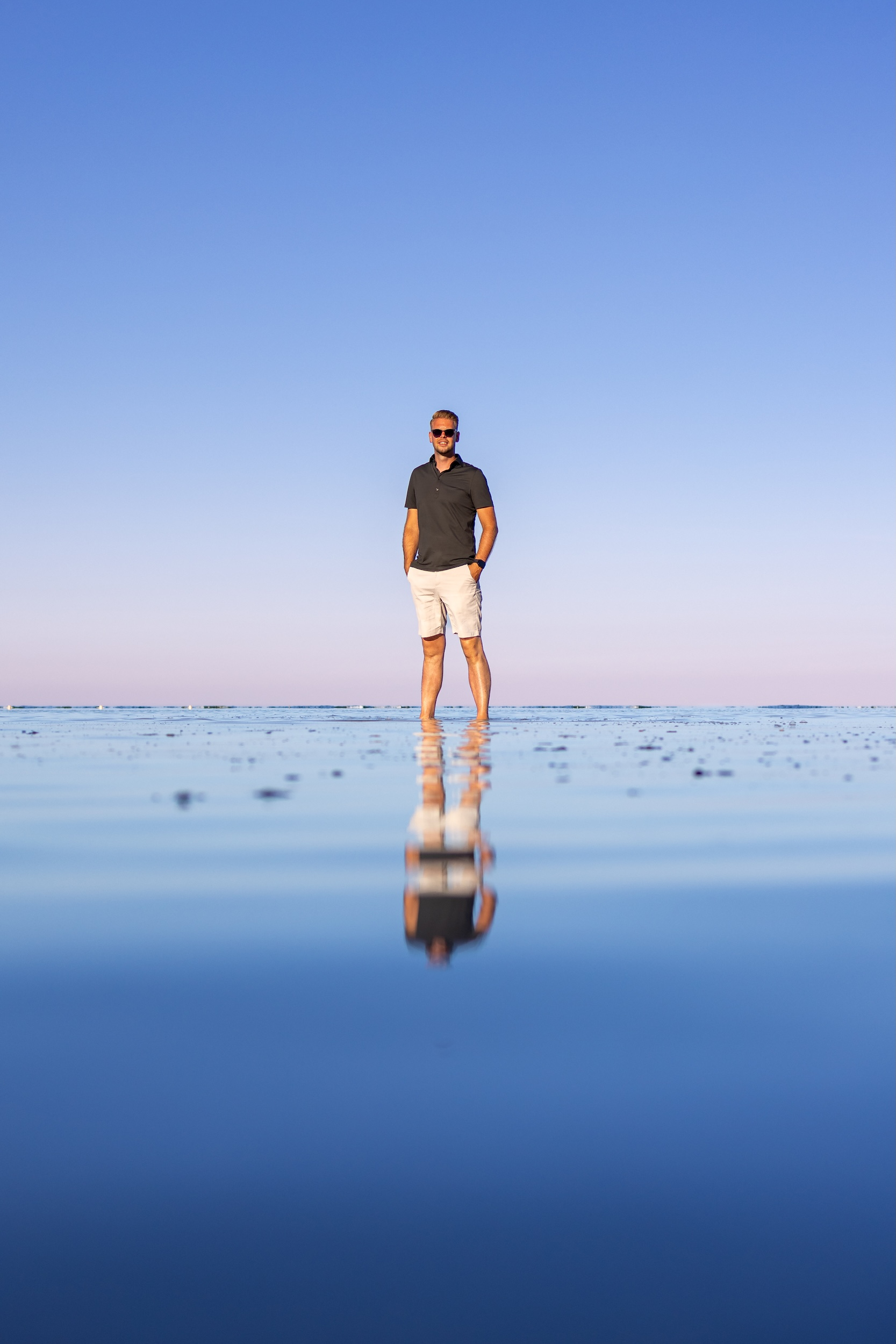

 Author: Mark Mooibroek





Comments
0 comments
Share what stood out to you, what you learned, or what you would try yourself.
Be the first to comment! 👍